
Digital signage for live events
Design, schedule, and update every screen from the same CMS that runs your website.

Curtains 8pm
Undertow
Opera House
Undertow
Design every screen in Basker.
Build landscape, portrait, square, and custom layouts in the same place your team already manages events.
A visual builder made for front of house.
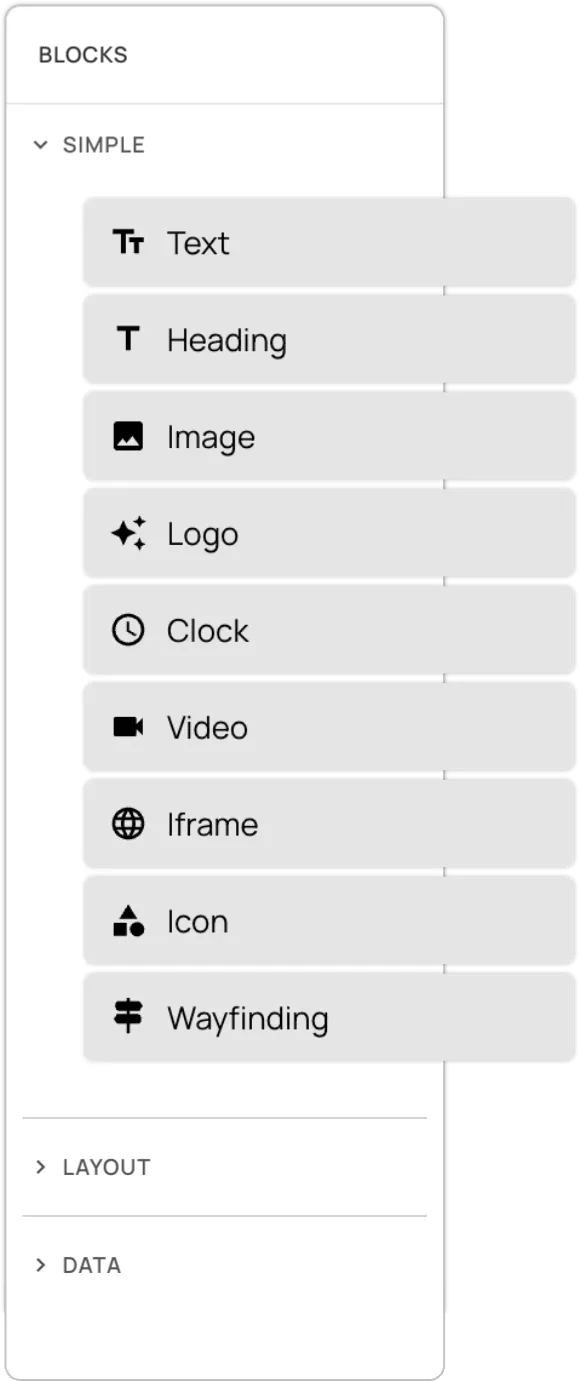
Start from a reusable slide. Drag in headings, images, video, clocks, wayfinding, and live event fields. Preview the result at the channel's aspect ratio before it goes anywhere near a screen.

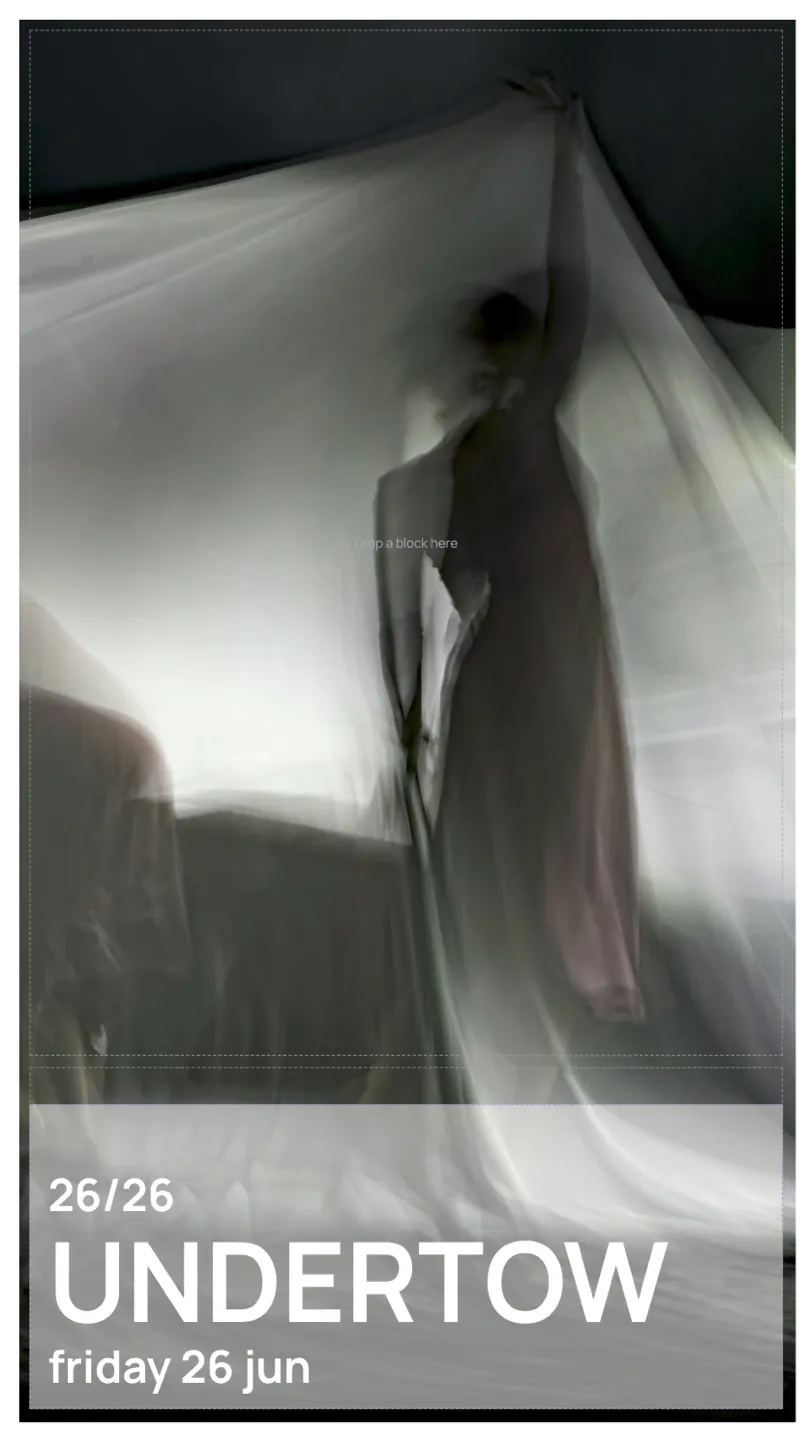

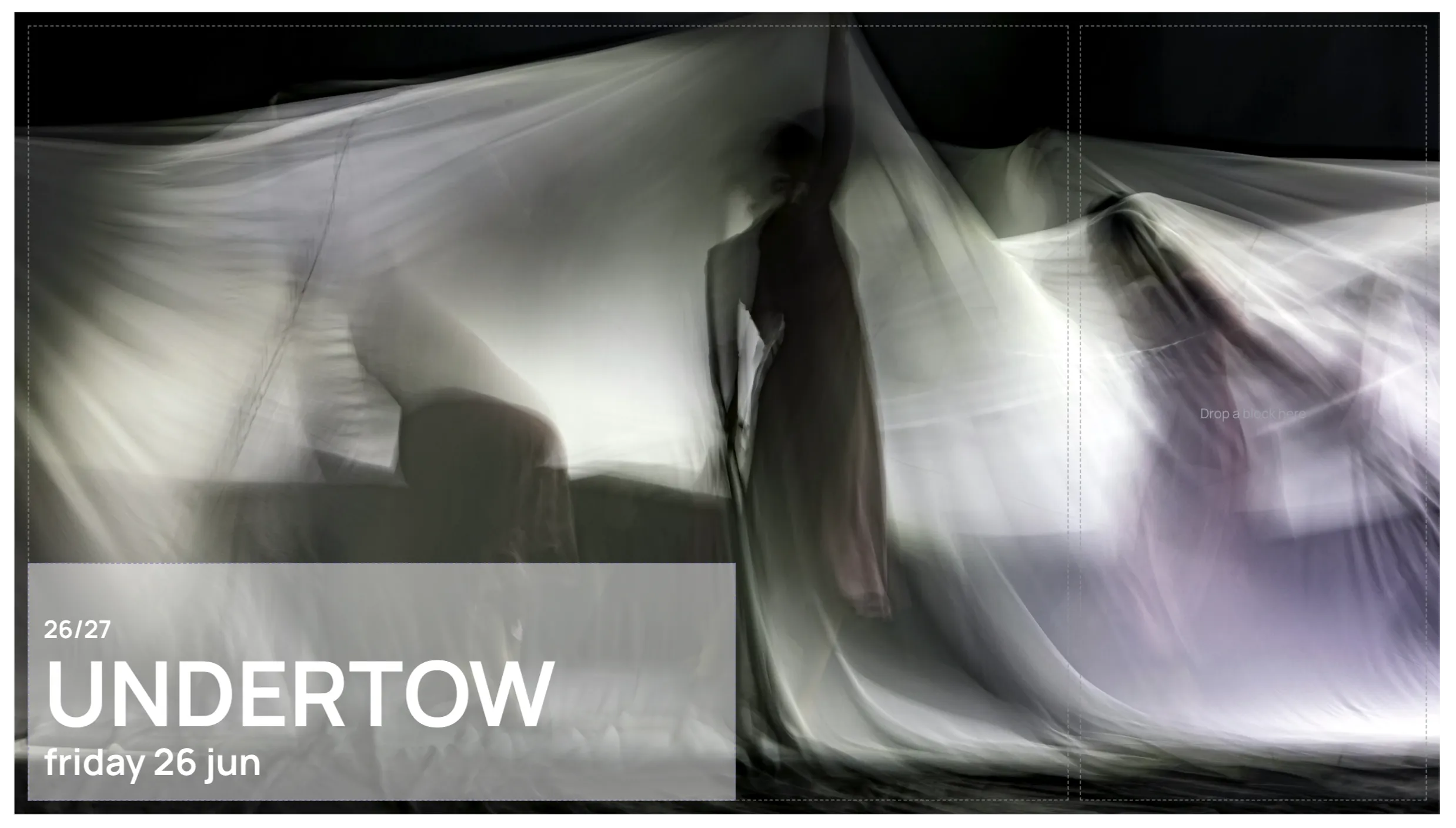



Change the programme once and every screen updates.
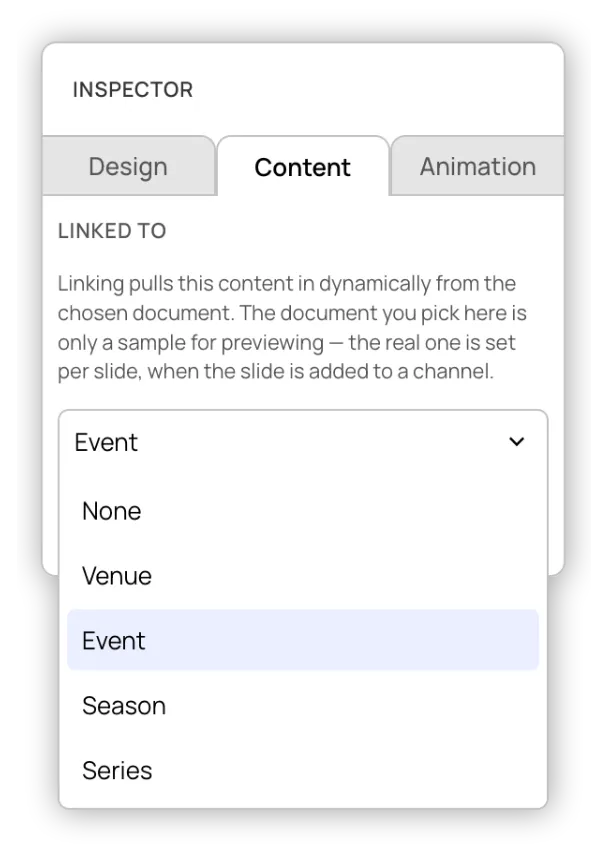
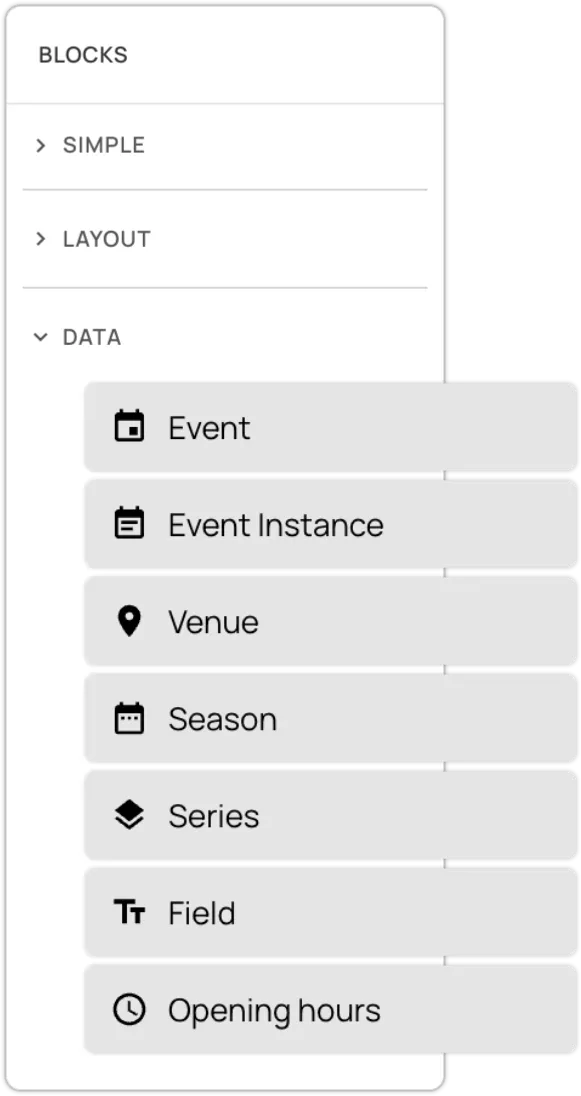
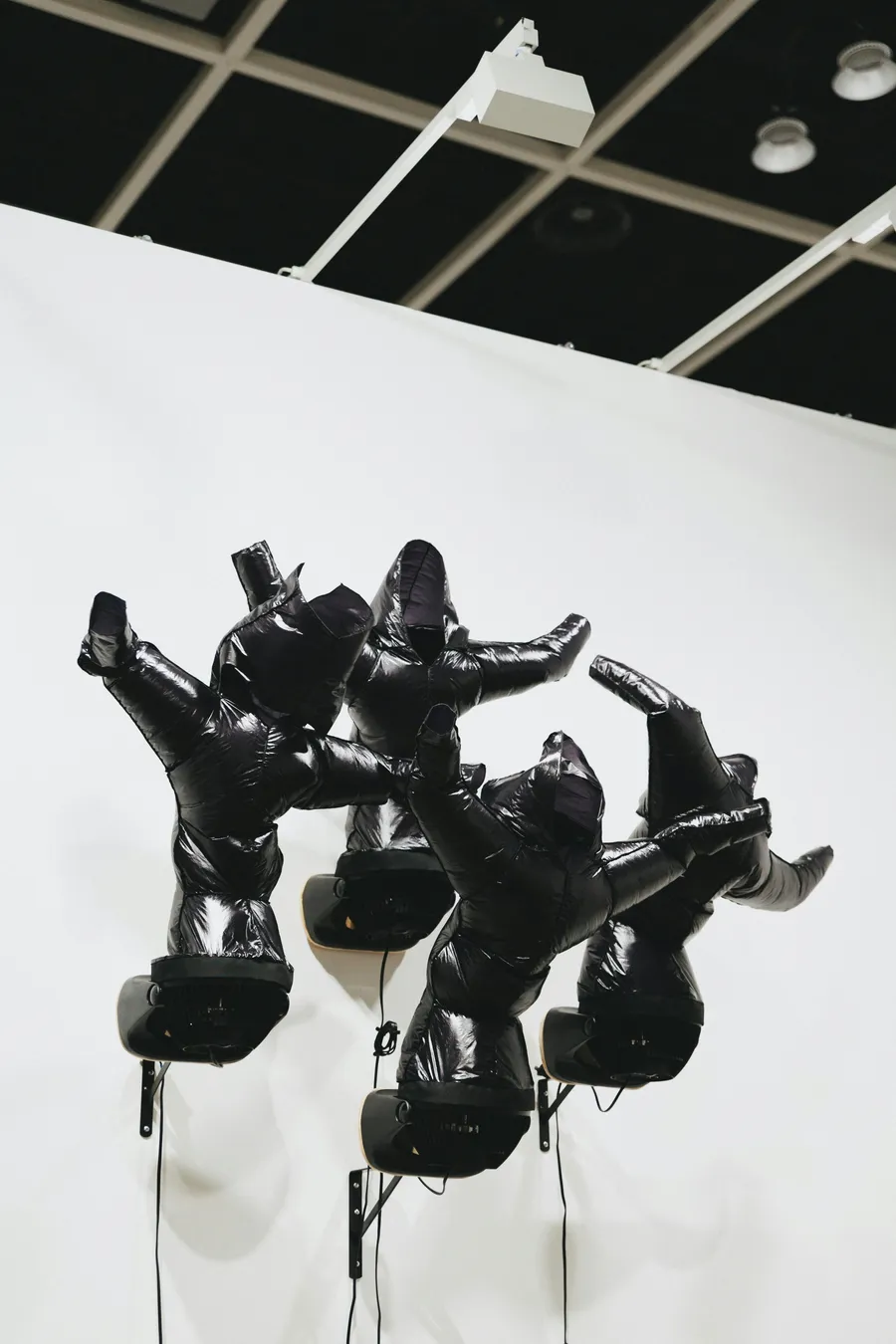
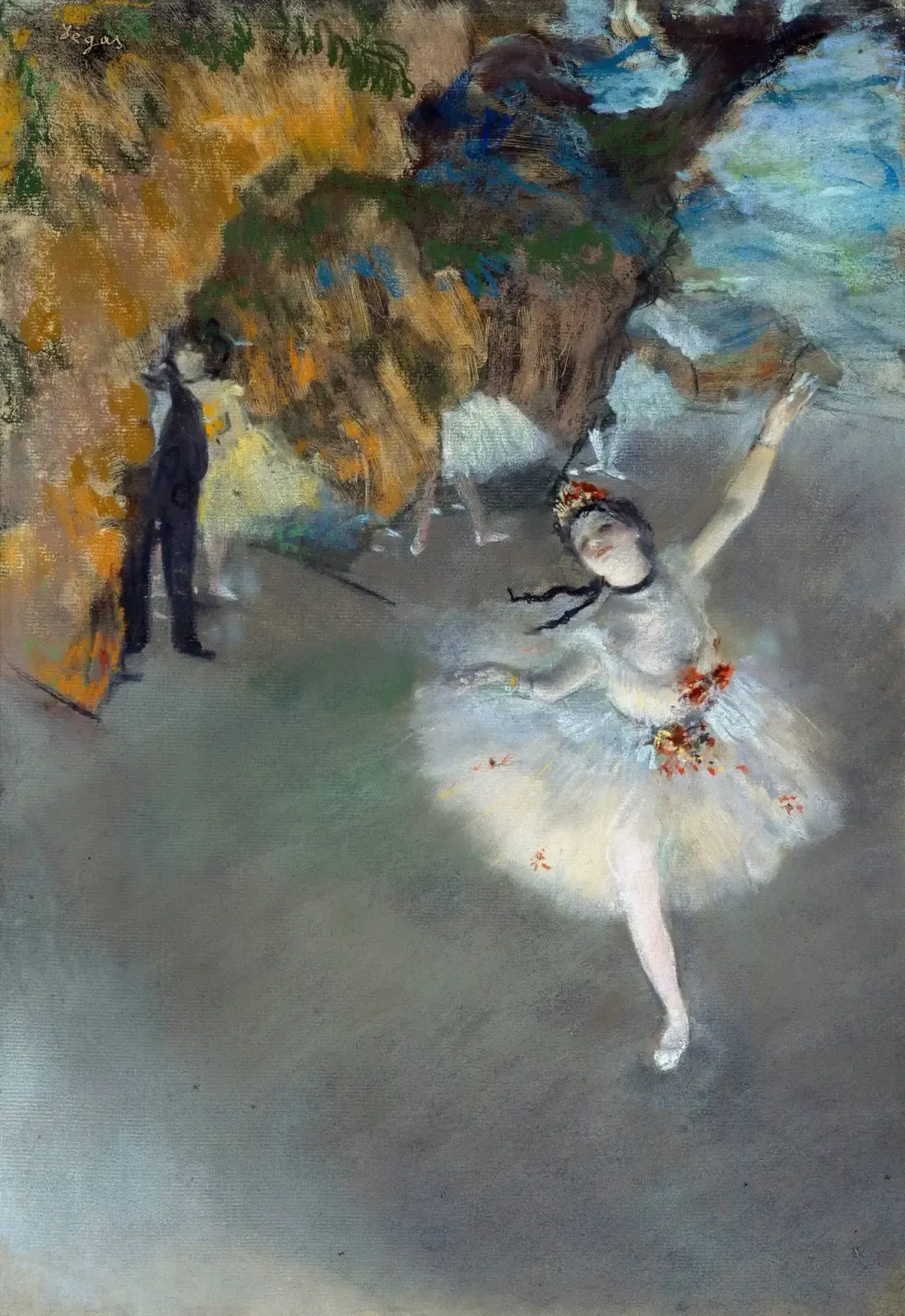
Bind slides to events, performances, venues, seasons, and series. When that content changes, every slide updates automatically.
Brand control built in.
Create screen themes with your logo, fonts, and colour roles, then apply them to reusable slides. Change the theme without rebuilding the content, or update the event without editing every display.
Event
Event title
New Contemporaries
Season
Summer Exhibition
Date
Open daily 10:00
Venue
West Gallery
Season
Event Title
Tonight at Start Date
Venue
Summer Exhibition
New Contemporaries
Open daily 10:00
West Gallery
Theme
Heading
Questrial
Body
Questrial
Colours
Schedule every screen from one timeline.
Organise slides into playlists, place them on a channel timeline, and see exactly what each part of the venue will show.
Set the schedule and playback takes care of itself.
Each screen opens its channel, switches playlists at the scheduled time, and picks up changes automatically. Schedules run in your organisation's time zone, and each screen keeps playing the last successful schedule if a refresh fails.
6:00am–11:30pm
Every dayDaytime programme, Wayfinding
8:00am–10:30am
Every dayVisitor information
12:00pm–8:30pm
Every dayWhat's on, Box office
9:30am–5:30pm
Mon–FriNow playing, Tickets
1:00pm–3:00pm
Every dayRehearsal
7:00pm–9:30pm
Every dayEvening show
8:00am–11:30am
Every dayDaytime menu, Specials
4:30pm–11:00pm
Every dayEvening menu, Interval bar
7:30am–4:30pm
Mon–SatCoffee menu

Summer Exhibition
New Contemporaries
Open daily 10:00
6:00am–11:30pm
Daytime programme, Wayfinding
8:00am–10:30am
Visitor information
12:00pm–8:30pm
What's on, Box office
9:30am–5:30pm
Now playing, Tickets
1:00pm–3:00pm
Rehearsal
7:00pm–9:30pm
Evening show
8:00am–11:30am
Daytime menu, Specials
4:30pm–11:00pm
Evening menu, Interval bar
7:30am–4:30pm
Coffee menu